AirPlay 2 和 AirPlay 1
在同一個 Windows 應用程式中使用現代 AirPlay 2 喇叭與經典 AirPlay 接收器。
Windows 上的 AirPlay 音訊
一個應用程式,連接 HomePod、Apple TV 與相容 AirPlay 接收器
在同一個 Windows 應用程式中使用現代 AirPlay 2 喇叭與經典 AirPlay 接收器。
連線、斷線、調整音量、處理 PIN,並讓常用接收器保持就緒。
音訊直接在本地網路中傳輸。WinAirCast 不運行雲端音訊服務。
Choose latency profiles that balance responsiveness and stability for movies, meetings, music, and everyday desktop audio.
Play to multiple compatible receivers together and keep grouped speakers aligned across rooms or listening zones.
WinAirCast
了解 WinAirCast 的主要工作流程和設定,讓不同 AirPlay 裝置與日常桌面聆聽都更順手。
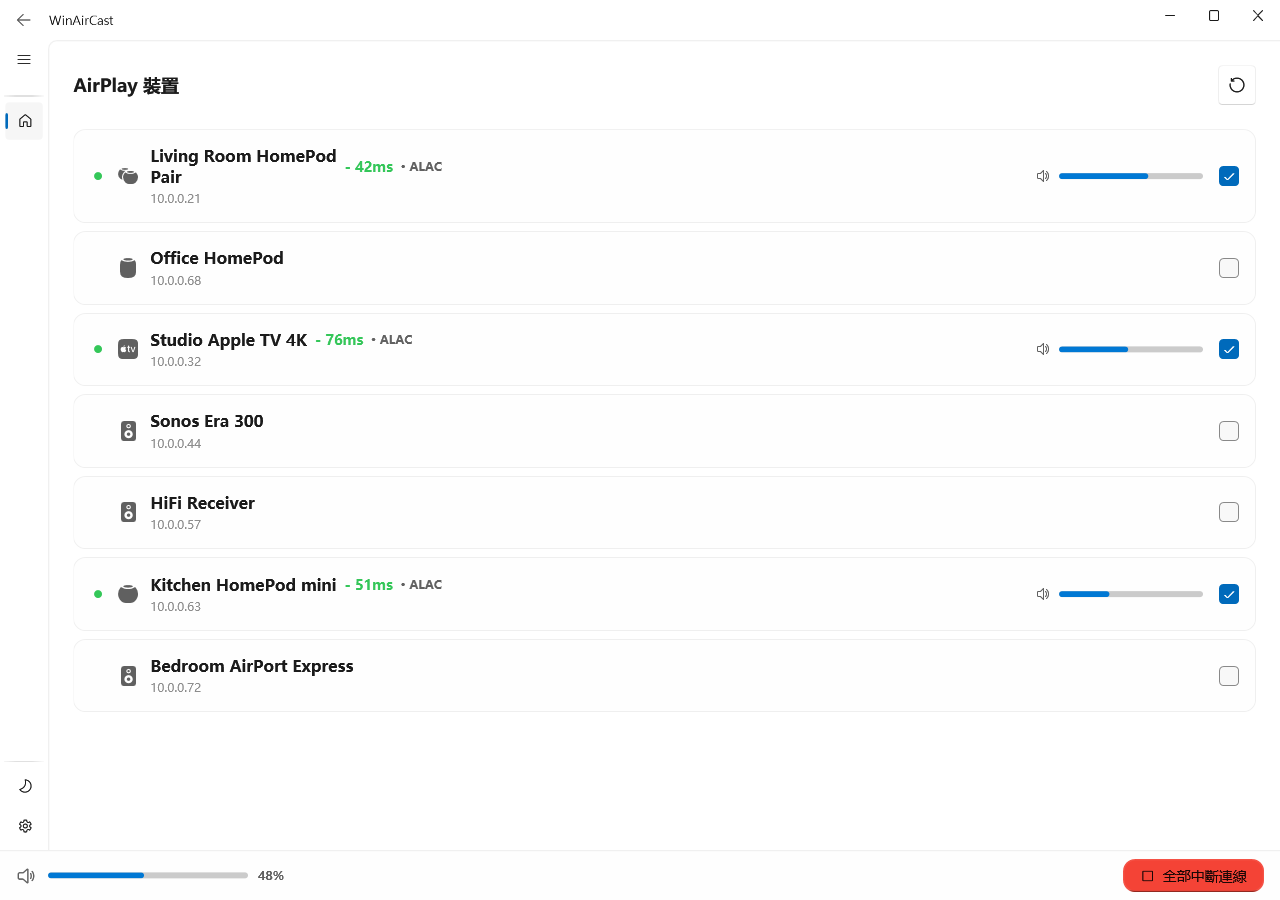
不論是 AirPlay 1 還是 AirPlay 2,HomePod、Apple TV、Sonos 與 HiFi 接收器都會統一呈現,並清楚顯示連線狀態、編解碼器、延遲和音量細節。
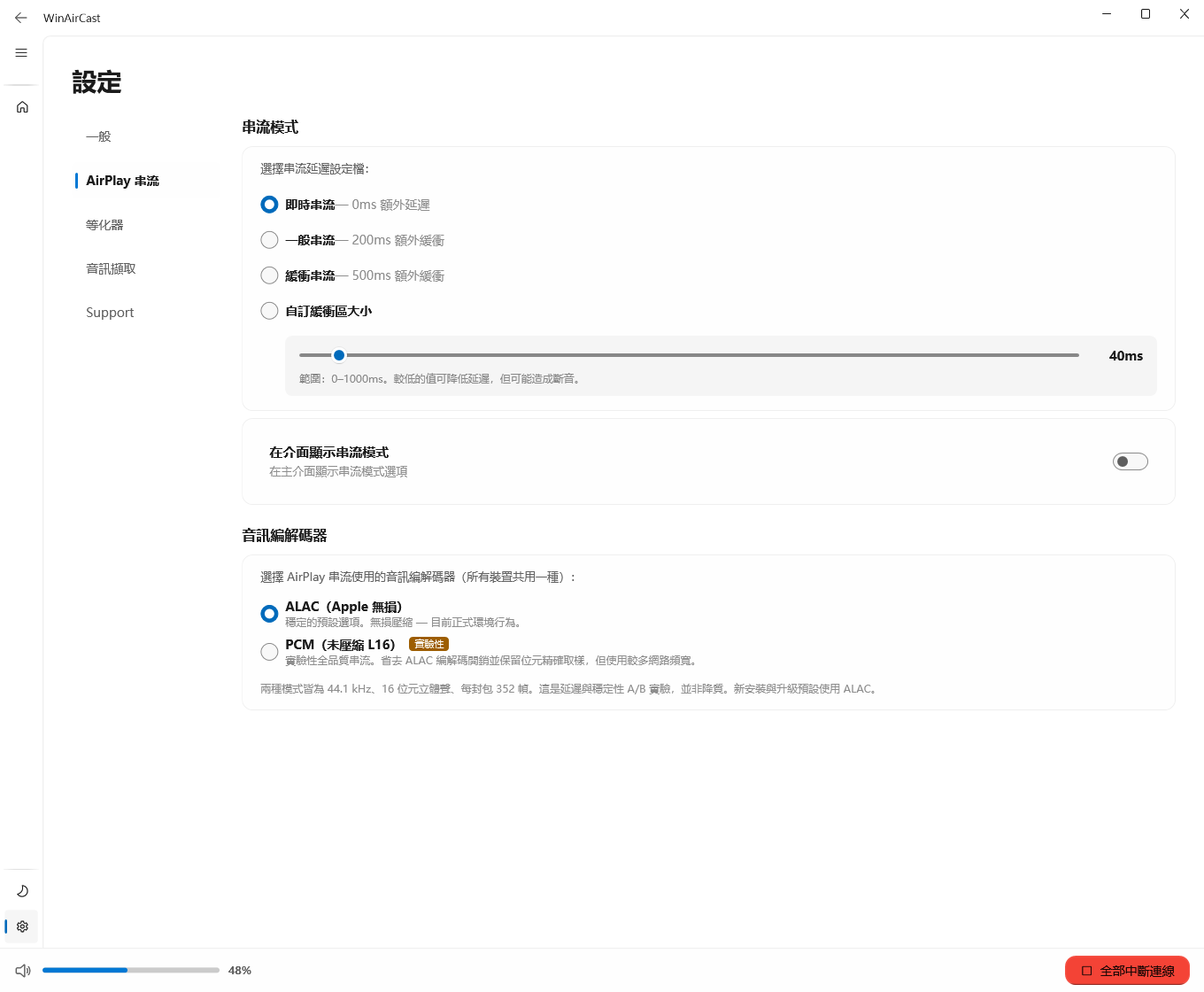
依不同 AirPlay 裝置調整編解碼、延遲、重連和探索方式,從現代 AirPlay 2 喇叭到經典 AirPlay 1 接收器都能兼顧。
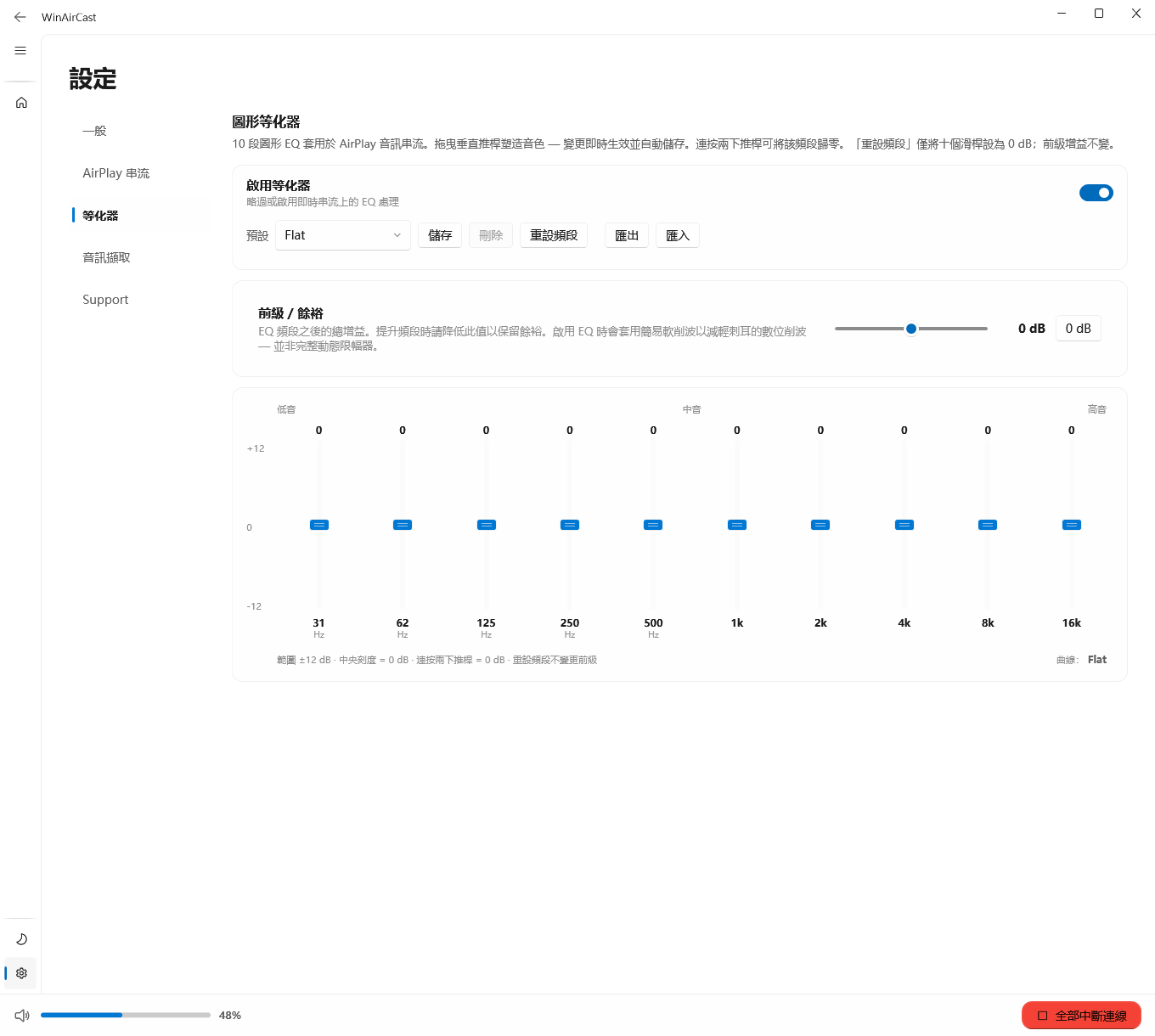
透過 10 段等化器、前級餘量、預設管理以及匯入/匯出,讓調音可以穩定復用。
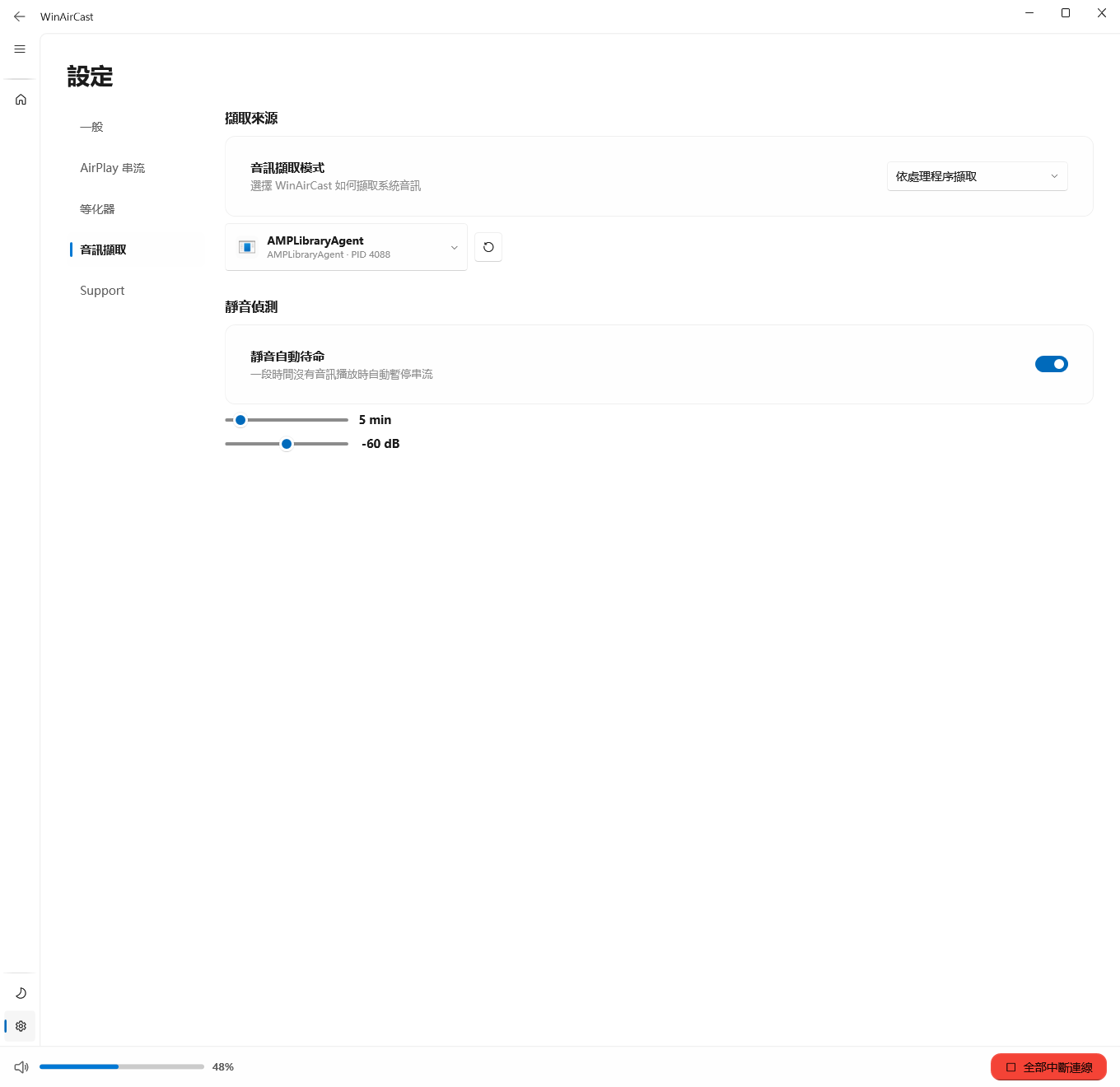
可透過系統回送、依工作階段/行程擷取,或選擇指定輸出路徑取得音訊;播放停止後,靜音待機會自動暫停串流。
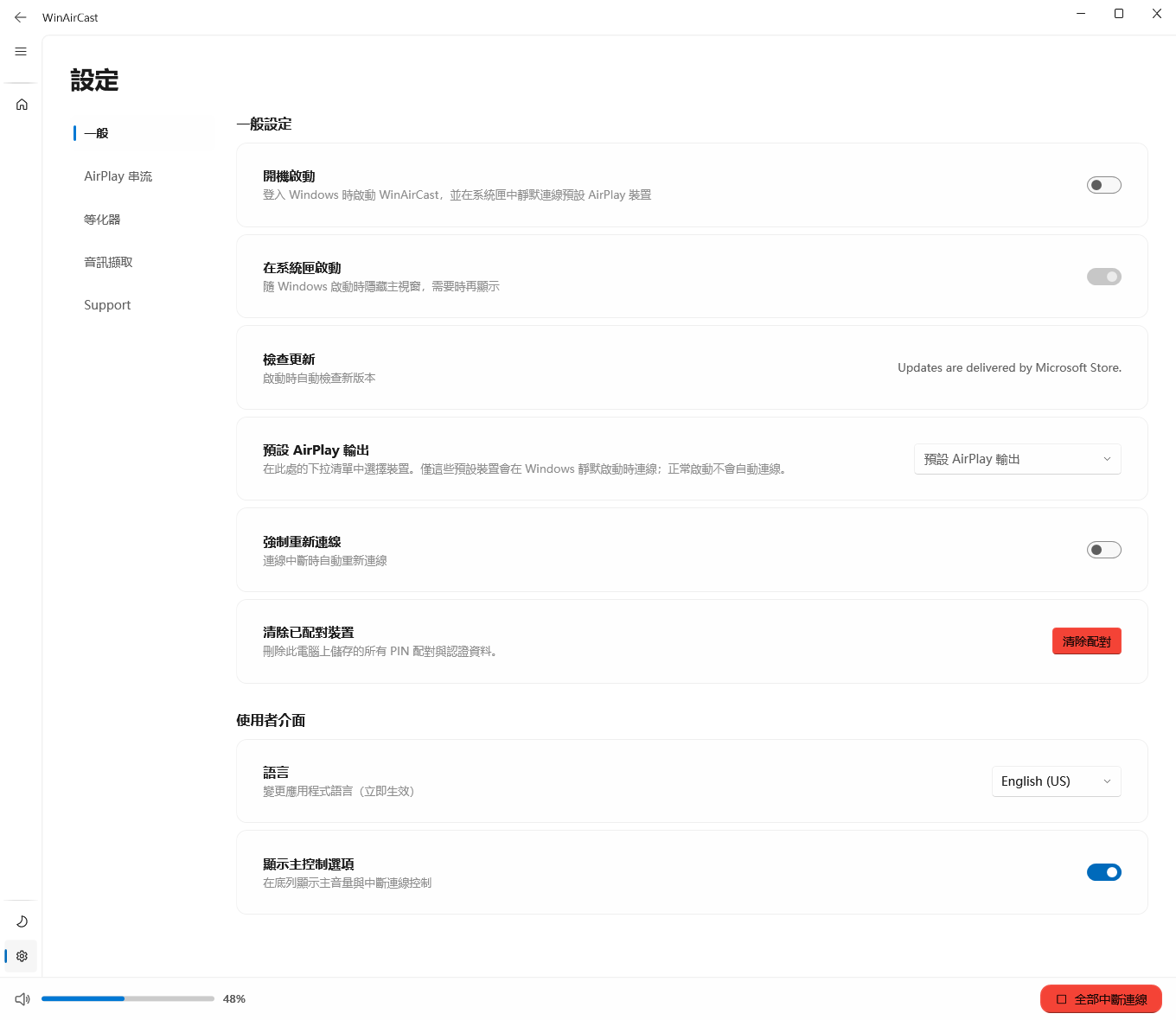
你可以依喜好自由調整主題、語言、開機啟動、診斷與支援資源,讓應用程式更貼合自己的桌面使用方式。